Cimpl Late Winter Release - March 2024
Enhancements/Improvements
Billing Center
AP Posting
-
The Enter Accounts button has been renamed to Bulk Select Account(s).
-
AP files can now be generated to an XML file format.
Dispute Management
-
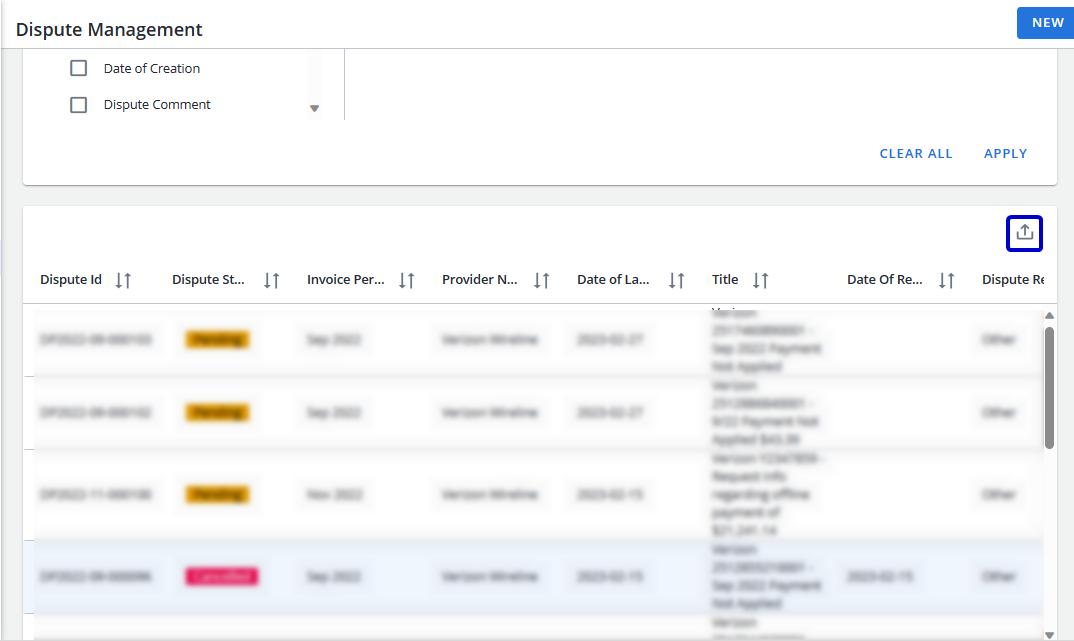
The Export button has been added to the table to allow users to export the filtered data displayed in the table to a spreadsheet.
Payment Readiness
-
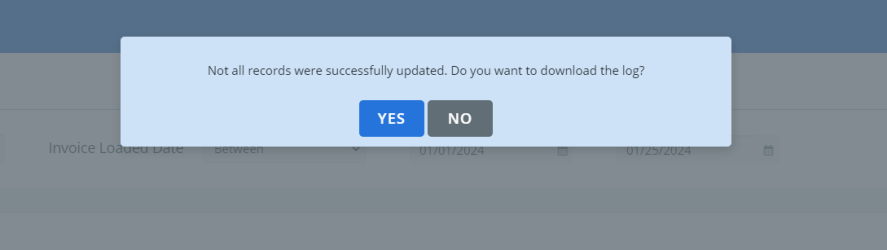
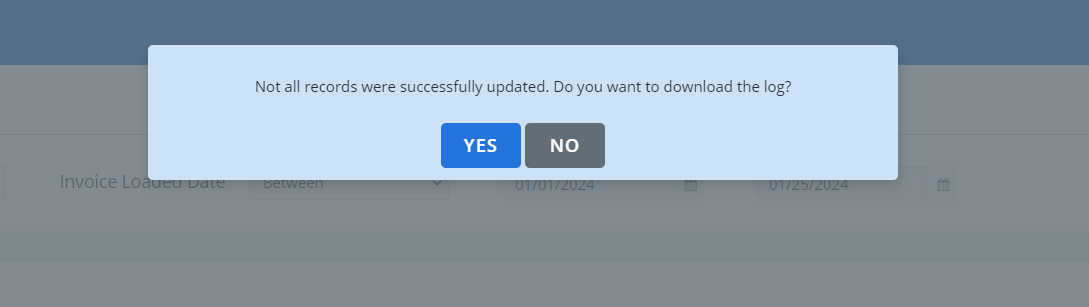
Only invoices with Open status can be confirmed. The confirm action in Bulk Action will be enabled for all account statuses. However, only invoices for accounts in open status will be confirmed. When an invoice(s) fails, the following message displays:
-
Two new columns have been added to the Payment History grid:
-
AP ID: AP File ID
-
Paid Amount: The Payment Amount received from the client reverse feed
-
-
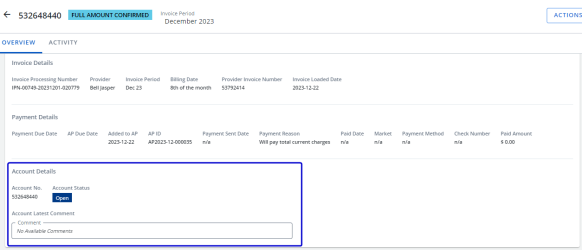
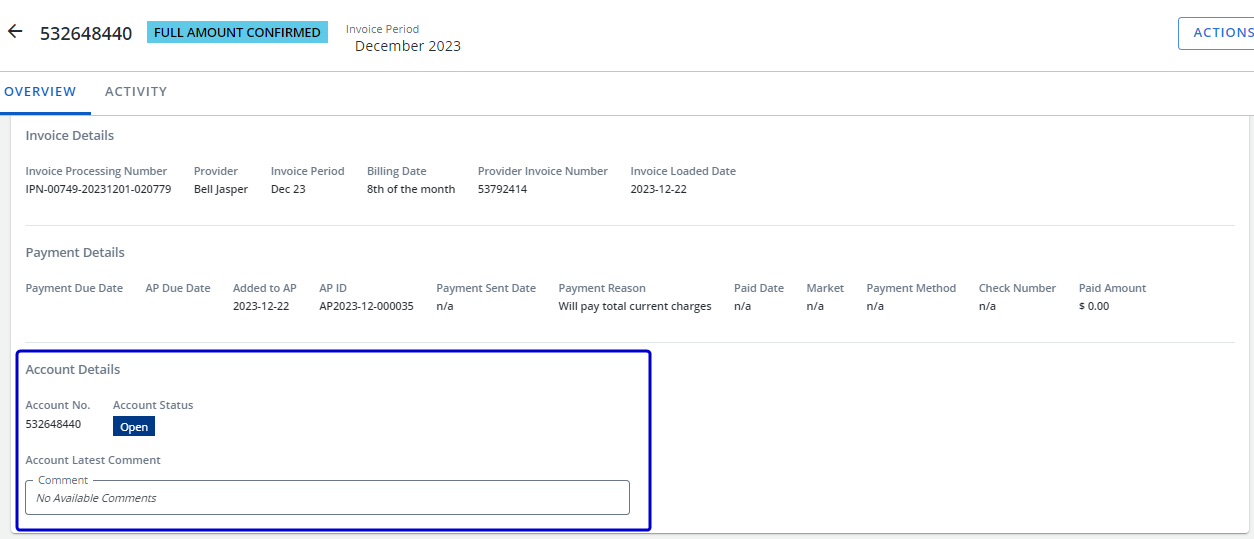
The Accounts Details section has been added to the Overview tab with the Account no, Account status and Account latest comment fields.
Configuration
Accounts
-
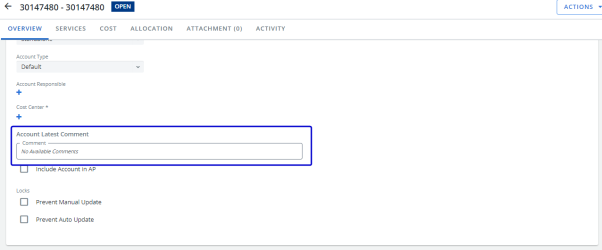
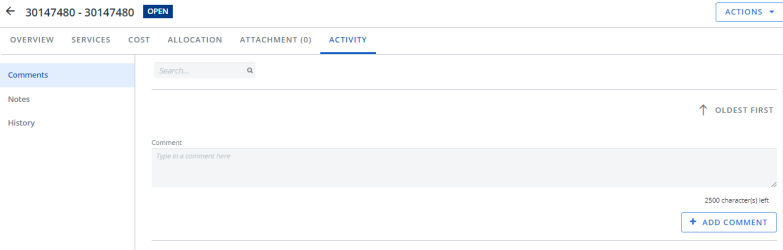
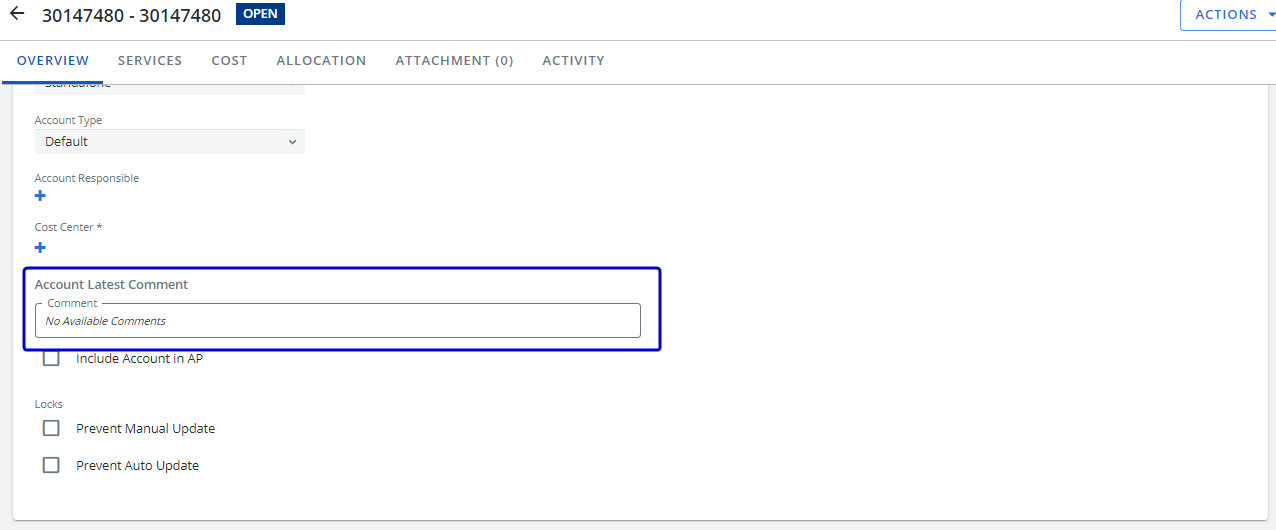
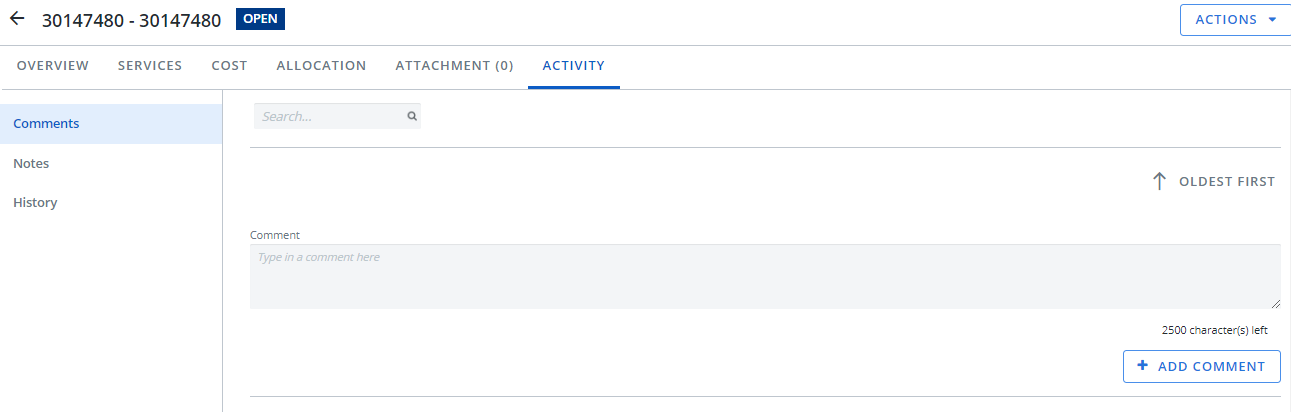
The Account Latest Comment box in the Summary card is now read only. Comments are added on the Comments page on the Activity tab.
Comments page
Request Configuration
-
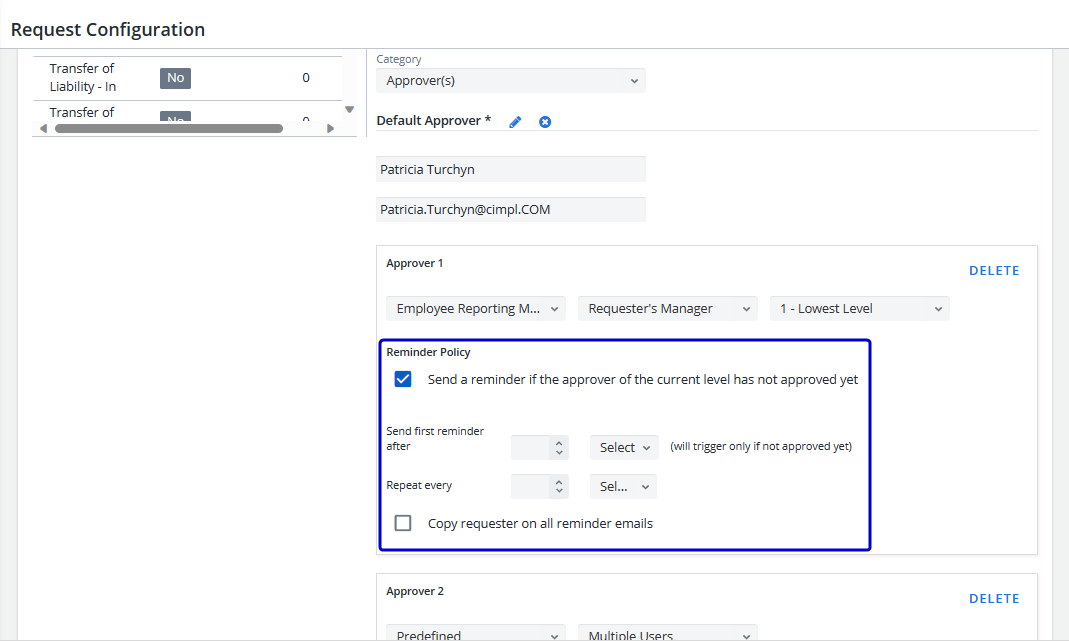
The Requestor can now be added as a recipient in the request approval reminder for pending requests.
-
Open the Request Configuration screen.
-
Select Service Request from the Request Type dropdown list.
-
Select a request action where approval is required.
-
Select the Send a reminder if the approver of the current level has not approved yet checkbox and complete the fields.
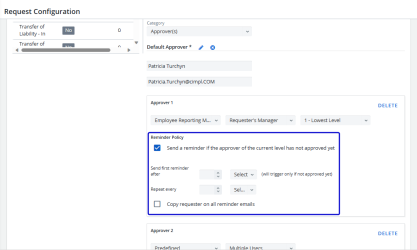
- Select the Copy requester on all approval emails checkbox.
-
Click Apply.
-
System Access
-
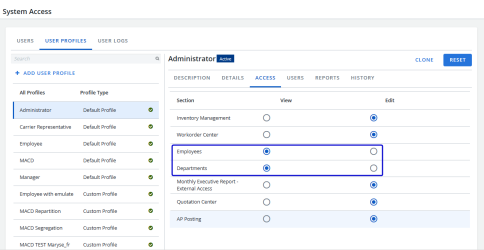
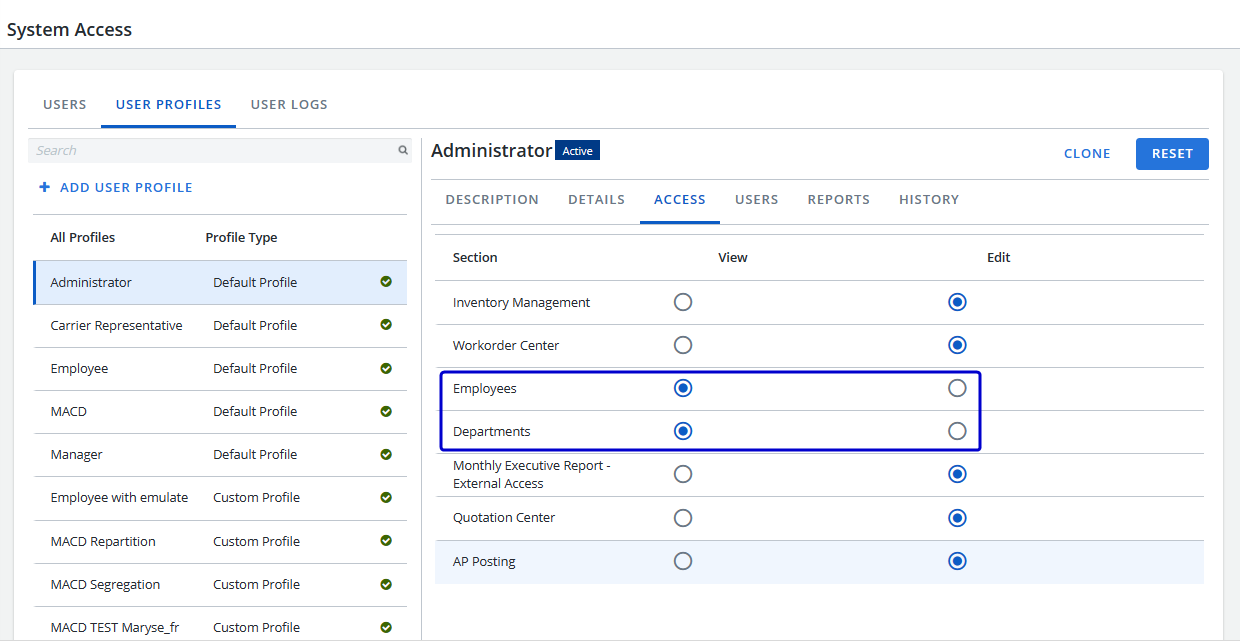
Administrators are now able to select the permissions (View or Edit) for the Employee and Department profiles. View will prevent the addition or modification of employees and/or department information (which would be overridden by the recurring HR/Org feeds).
-
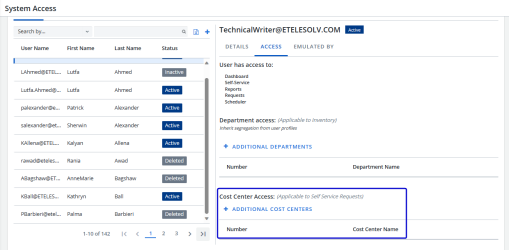
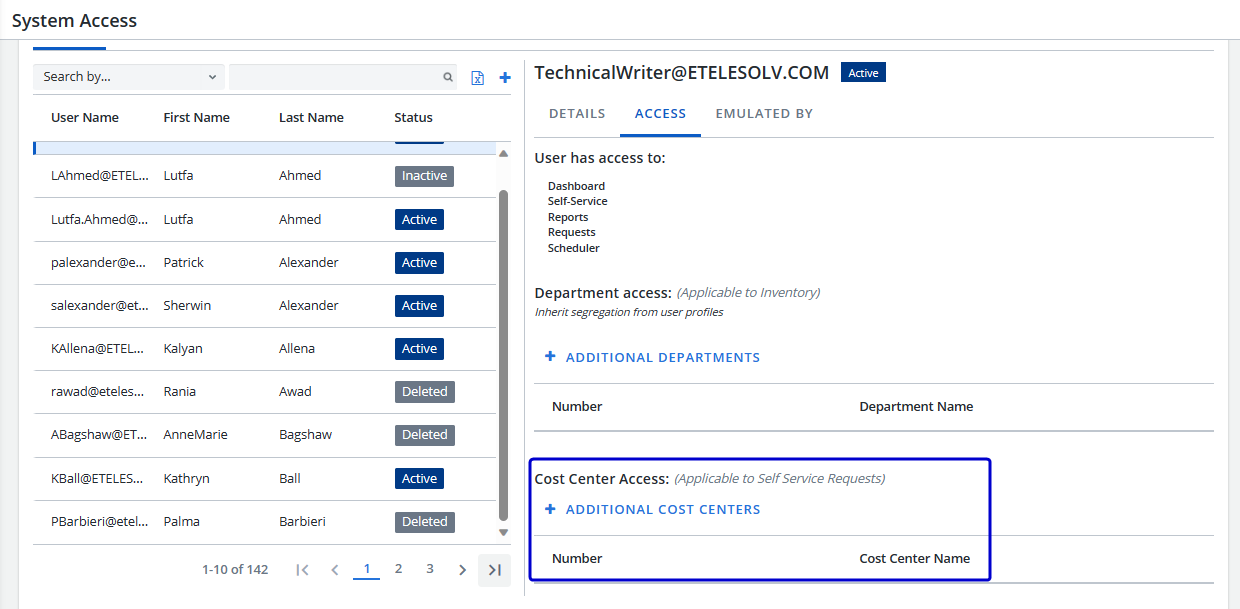
The "Cost Center Access" section has been added to the Access tab to allow users to access additional cost centers in Provision and Upgrade Self Service flows.
Tenant Options
-
The following new Cost Center Parameters have been added:
-
Cost Center: Mandatory for Inventory Details screen - When a workorder is completed, the cost center number displays on the Inventory Details screen.
-
Cost Center: Mandatory for Accounts screen - The Cost Center field is mandatory on the Accounts screen.
-
Inventory
Inventory Management
-
Additional Options: Users are now able to search through the values in the OptionType dropdown list, which allows users to start typing in an option instead of scrolling through the list.
-
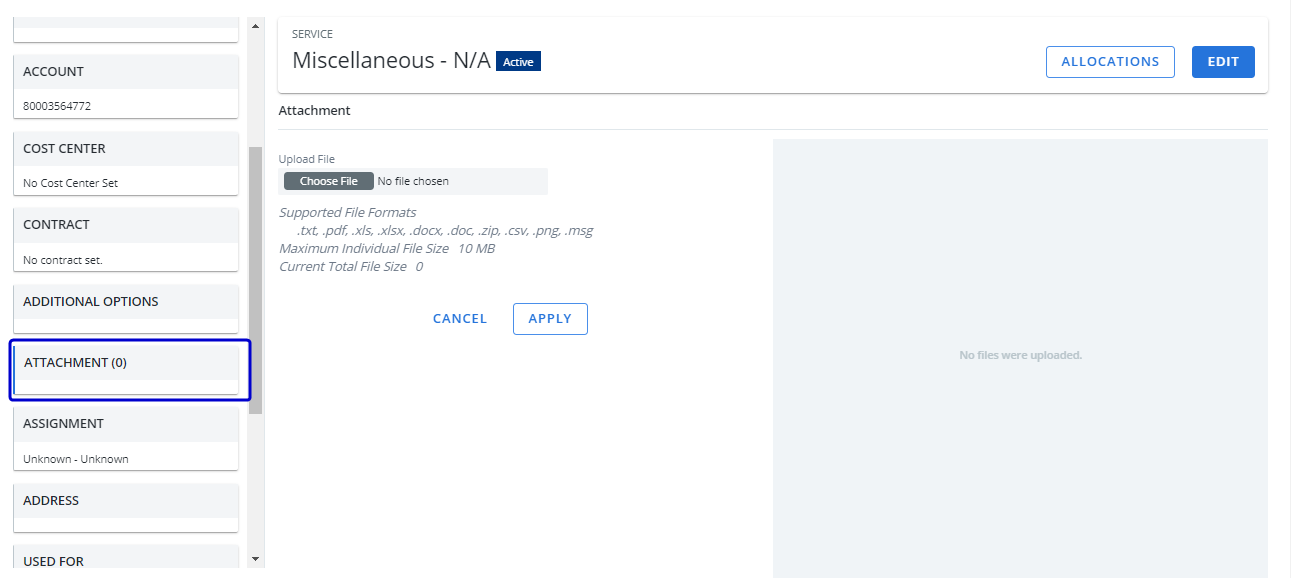
The new Attachment card has been added to allow users to attach files to an inventory record.
Quotation Center
-
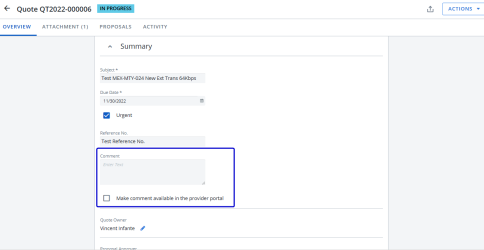
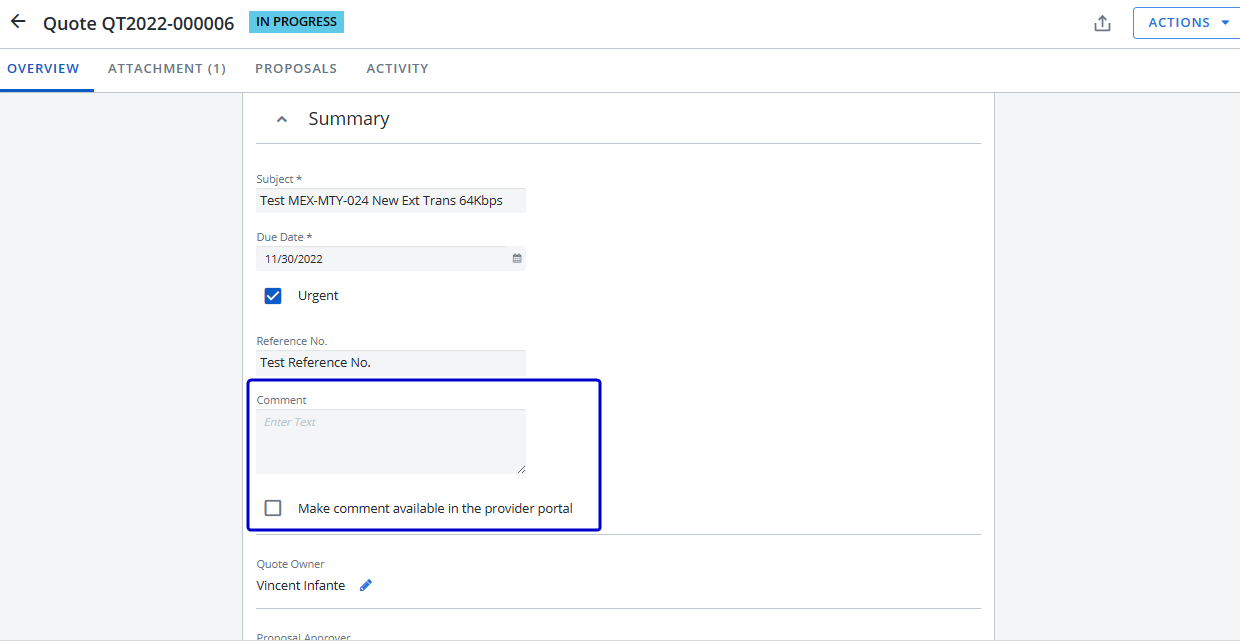
To include a comment in the email sent to the Provider, you must select the "Make comment available in provider portal" checkbox.
Workorder Center
-
The following filters were added to the workorder center for Shipping address information:
-
Location Number
-
Location Name
-
Address Line 1
-
Address Line 2
-
Postal Code
-
City
-
-
The subject field in the workorder Summary has been added to the existing standard email subject for all workorder detail, workorder status change, and workorder notification emails.
-
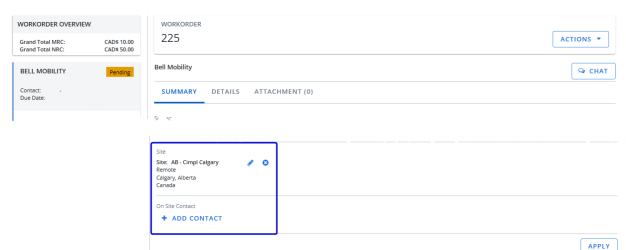
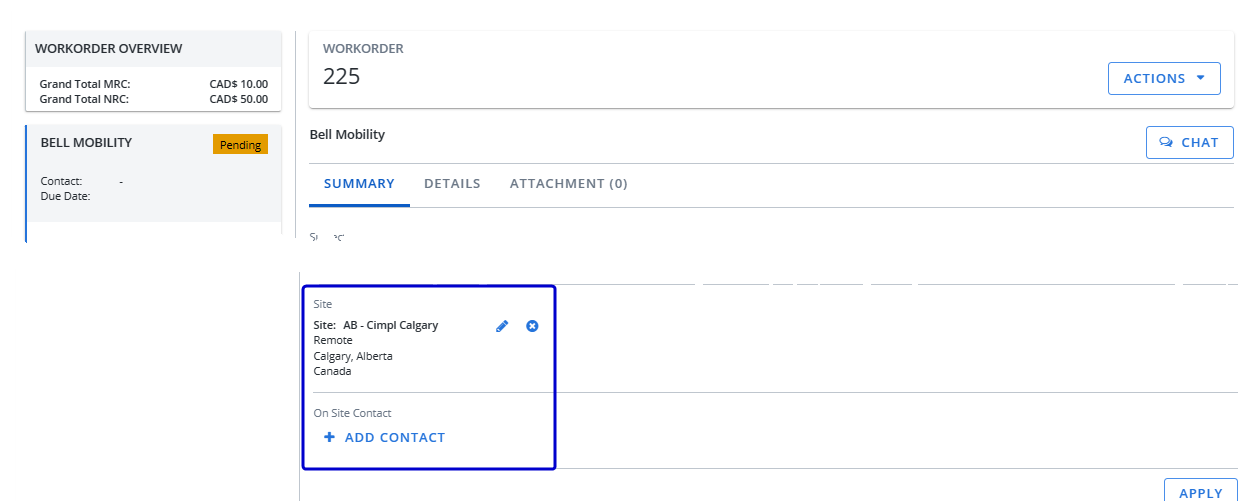
When creating a new workorder, the Site address is auto populated with the Inventory Assignment Address.
-
The Site and On-Site Contact fields have been added to the Workorder Detail email template on the Summary tab.
-
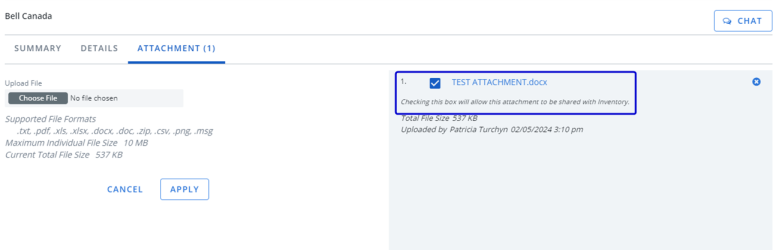
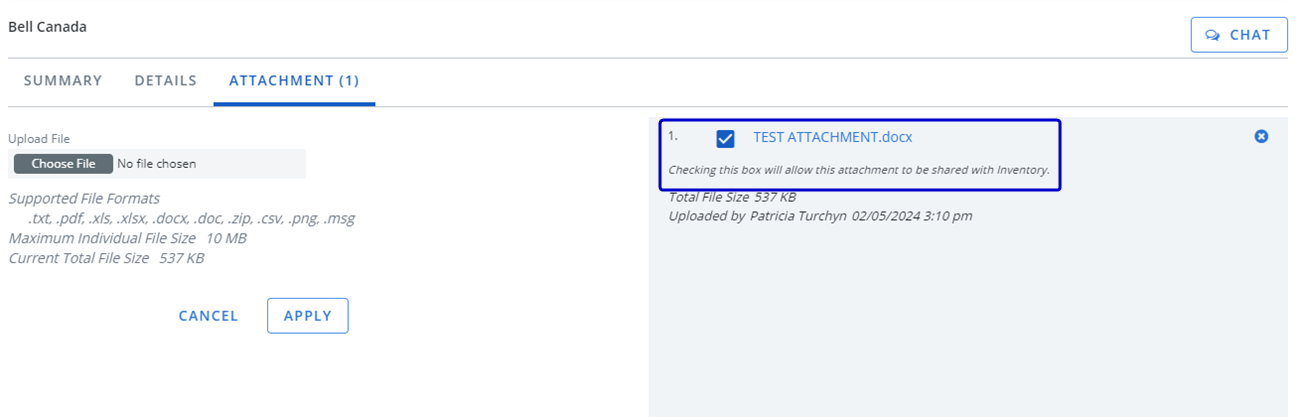
When selecting an attachment for the workorder, users now have the option to share the attachment with Inventory when the workorder is completed by selecting the "Checking this box will allow this attachment to be shared with Inventory" checkbox.
-
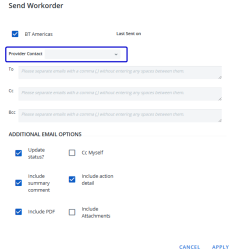
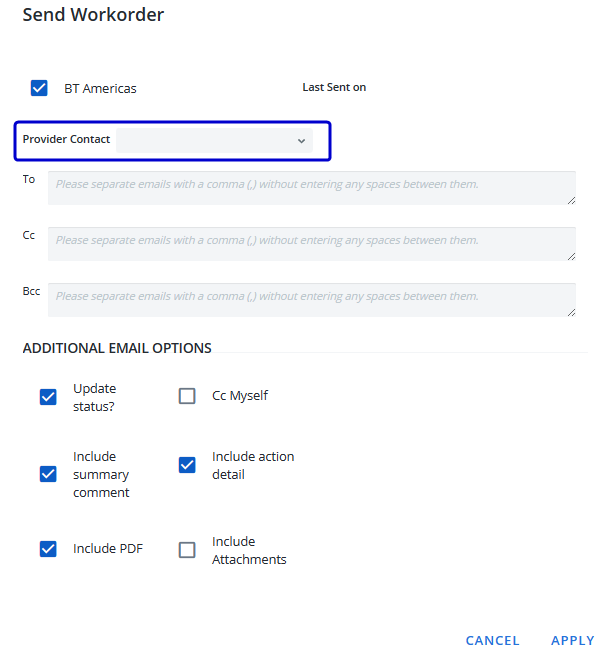
The Send Workorder form now includes the Provider dropdown menu, to allow users to select multiple provider contacts.
Reports
-
A new filter option, "Is NOT Null or Empty" has been added to provide additional filtering capabilities.
Requests
Request Center
-
The Request Date column has been added to the table and users are now able to filter the table by Request Date.
-
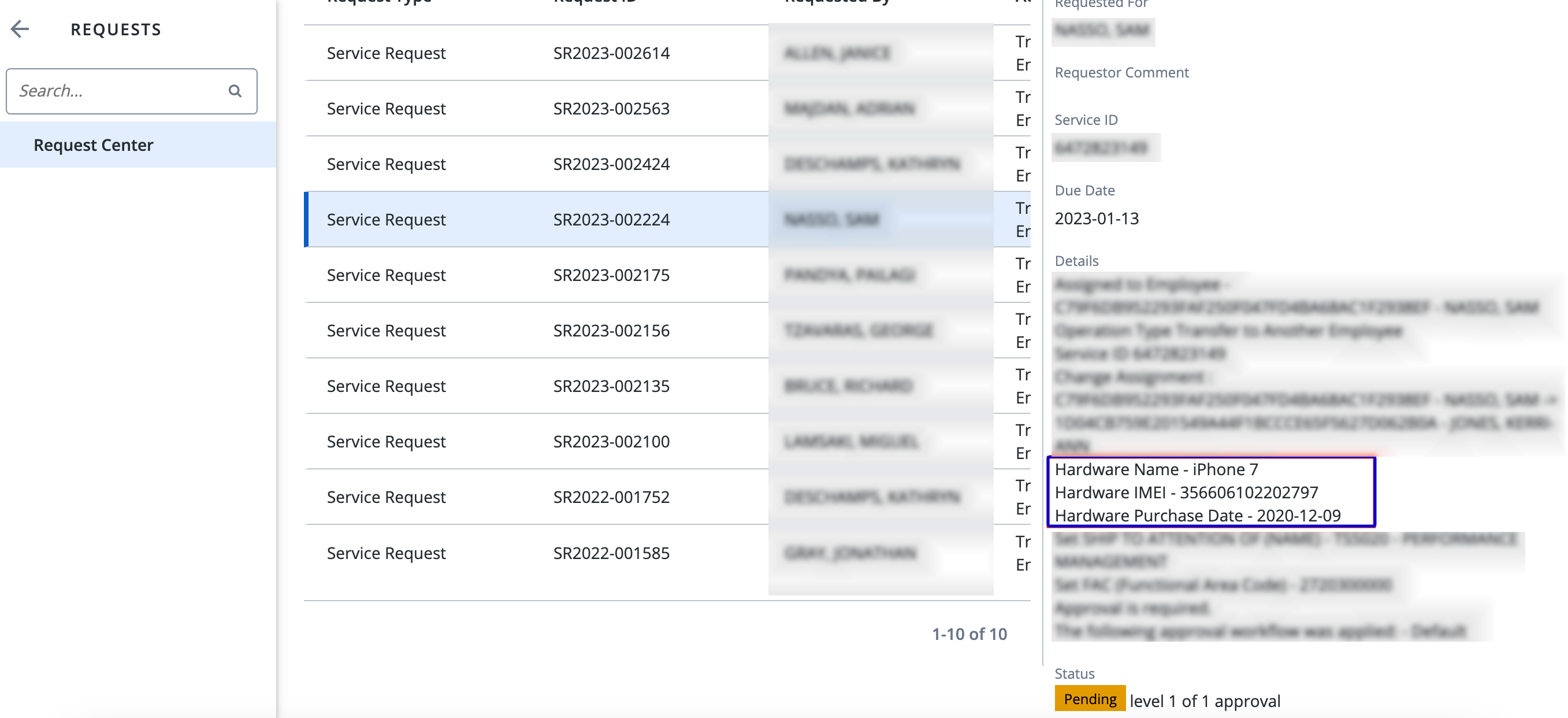
When a Transfer to Another Employee request is created, the Details tab now includes the phone hardware information.